SAL380 GUIDES
Gaming PC Optimization Guides
Practical gaming PC guides to understand your hardware, find the cause of a problem and make changes you can check.
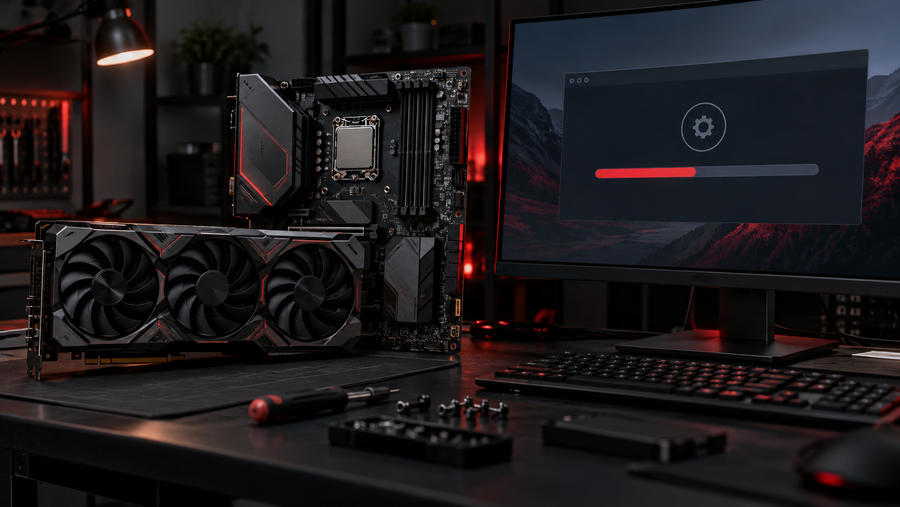
GPU and Chipset Drivers for Gaming: Update and Roll Back Carefully
Use official driver sources and verify the effect of an update in the games you actually play.
Read guide →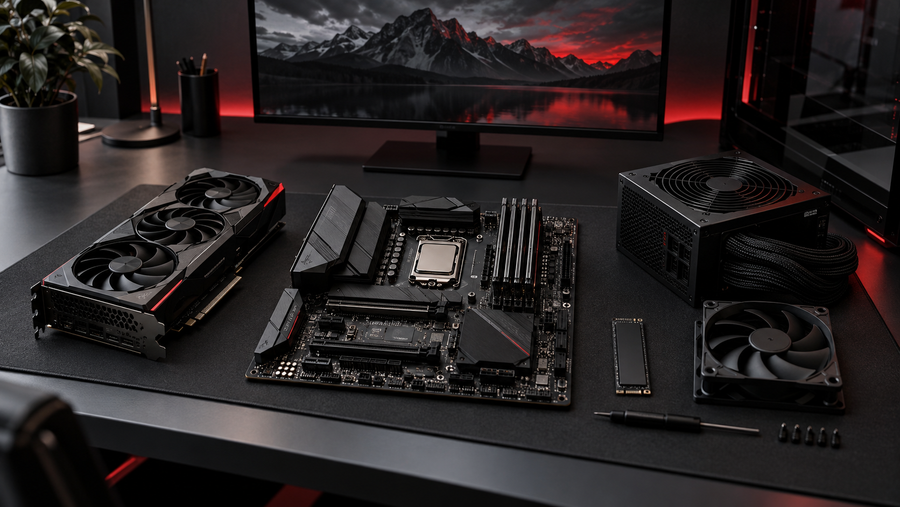
Gaming PC Setup Checklist: Balance Your CPU, GPU, RAM and Monitor
Make better hardware choices by connecting game goals to your display, budget and actual bottleneck.
Read guide →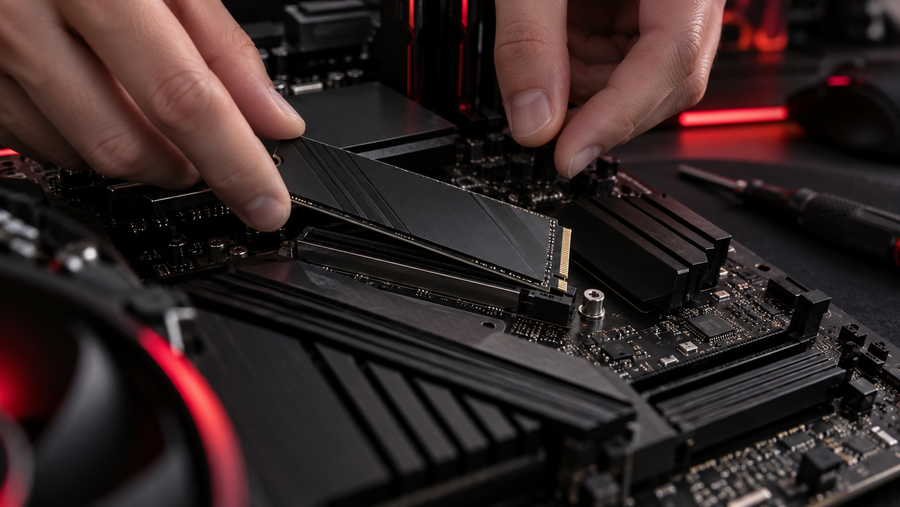
SSD Storage for Games: Loading Times, Free Space and Safe Cleanup
Choose and maintain game storage with realistic expectations about loading times and frame rates.
Read guide →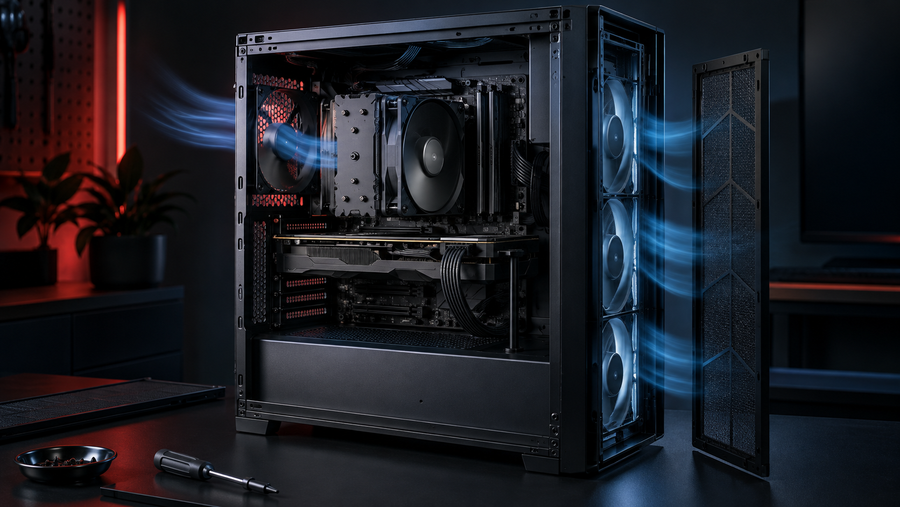
Gaming PC Cooling and Airflow: Find Heat Problems Before Tuning
Check cooling, airflow and fan behavior before adding clocks or replacing hardware.
Read guide →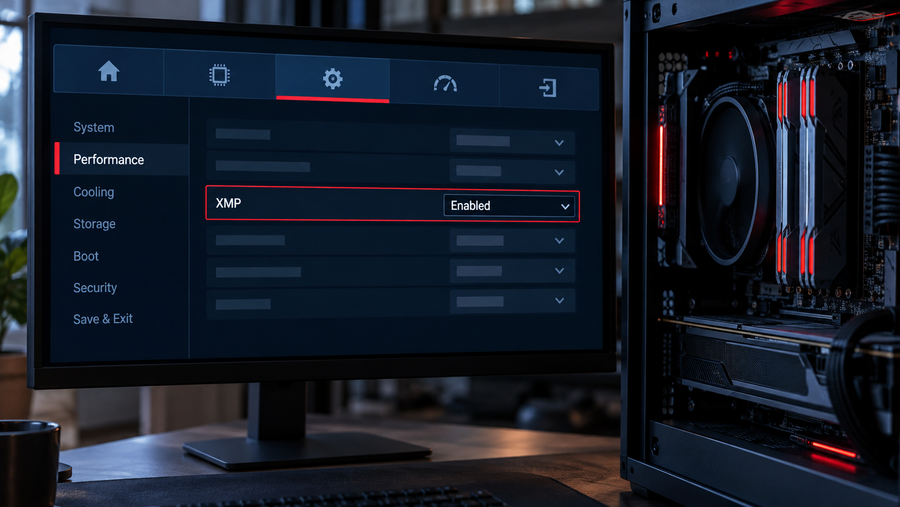
XMP and EXPO for Gamers: Set Up RAM and Check Stability
Understand what XMP and EXPO change, how to check compatibility and what to do if a game becomes unstable.
Read guide →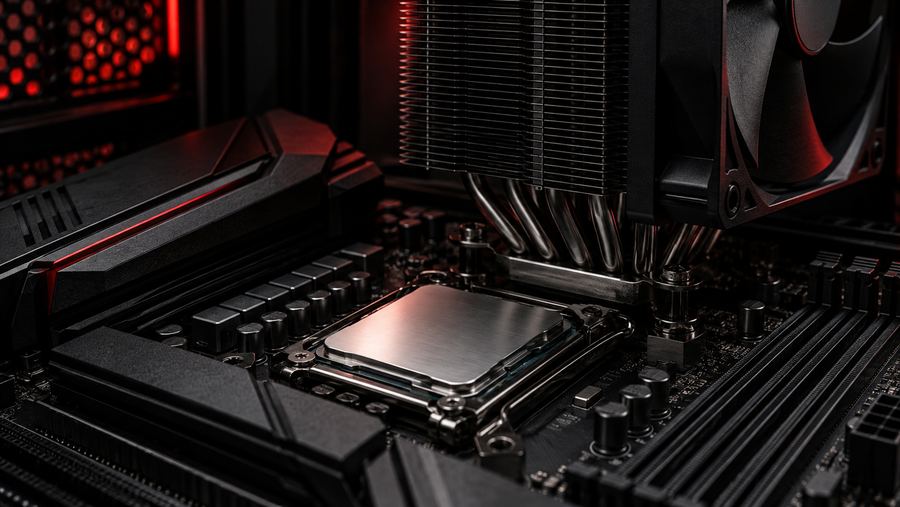
CPU Overclocking for Gaming: When It Helps and How to Start Safely
Find out when a CPU clock change is worth testing and how to measure stability before keeping it.
Read guide →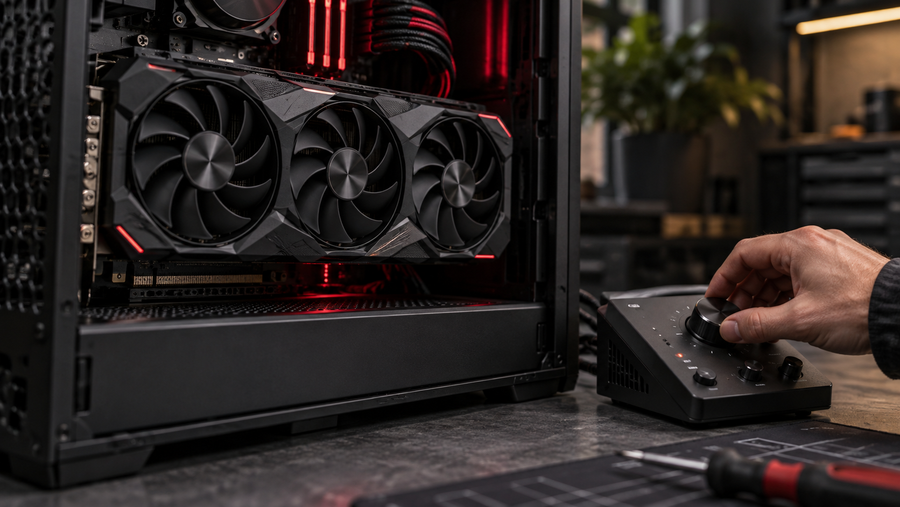
GPU Tuning Without Guesswork: Baselines, Stability and Rollback
Establish a stock baseline, make small reversible adjustments, and judge tuning by repeatable behavior rather than a quick benchmark.
Read guide →
A Careful BIOS Update Checklist for a Gaming PC
Update firmware only for a clear reason, confirm the exact motherboard model, and plan for recovery before starting.
Read guide →
Monitor Refresh Rate, VRR and FPS Caps: Set Them Up Together
Align Windows, game and monitor settings, then tune the frame cap around what your display actually supports.
Read guide →
Ping, Jitter and Packet Loss: A Home Network Check for Gamers
Tell apart stable latency, jitter and packet loss, then test your connection without assuming every lag spike is your PC.
Read guide →
Windows RAM, Standby Memory and Why a Cleaner May Not Help
Understand available and standby memory before trying to force Windows to empty its cache.
Read guide →
A Safe Windows 11 Gaming Checklist Before You Change Anything
Check supported Windows and game settings first, keep security protections enabled, and make each change easy to undo.
Read guide →Find what your PC actually needs
SAL380's optimization service helps you investigate stutter, heat and confusing settings, then choose changes you can measure and reverse. Results depend on your hardware and starting setup.
Explore PC optimization